Installation
worca ships as two packages: the Python pipeline (which provides the worca CLI) and the worca-ui dashboard.
Install the packages
Section titled “Install the packages”These are the Python pipeline (which gives you the worca CLI), the dashboard, and beads for task tracking:
pip install worca-ccnpm install -g @worca/uinpm install -g @beads/bd@0.49.0Launch the dashboard
Section titled “Launch the dashboard”Start the dashboard. It runs in global mode by default — one browser tab monitors every project you add — and serves at http://localhost:3400:
worca-uiManage the running server with worca-ui restart (rebuild and restart), worca-ui stop, and worca-ui status (check whether it’s running):
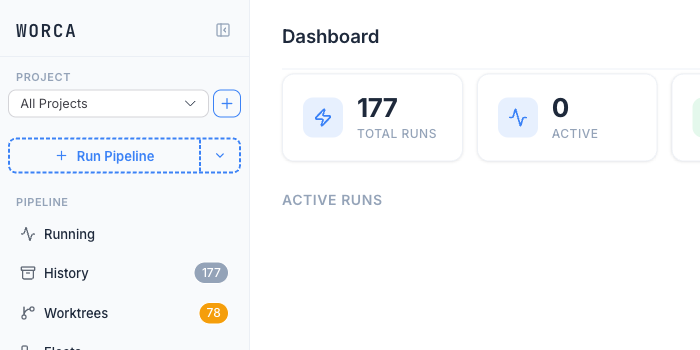
worca-ui restartworca-ui stopworca-ui statusOpen http://localhost:3400. You’ll see the dashboard with an empty project list — you’ll add your first project next.
Keeping worca up to date
Section titled “Keeping worca up to date”pip install --upgrade worca-ccnpm install -g @worca/ui@latestAfter upgrading worca-cc, the dashboard can update an existing project’s pipeline in place from its Settings (it re-runs worca init --upgrade for you) — no manual file copying.
Next: add your project.