Agents design.
Runs ship.
Worca 1.19 adds Design. Describe a page, a deck or a video, and agents build it while you watch. Runs open their own pull requests. Shaper agrees what to build before it plans. And your team can chat with Worca from Slack, Discord, Telegram or Teams.
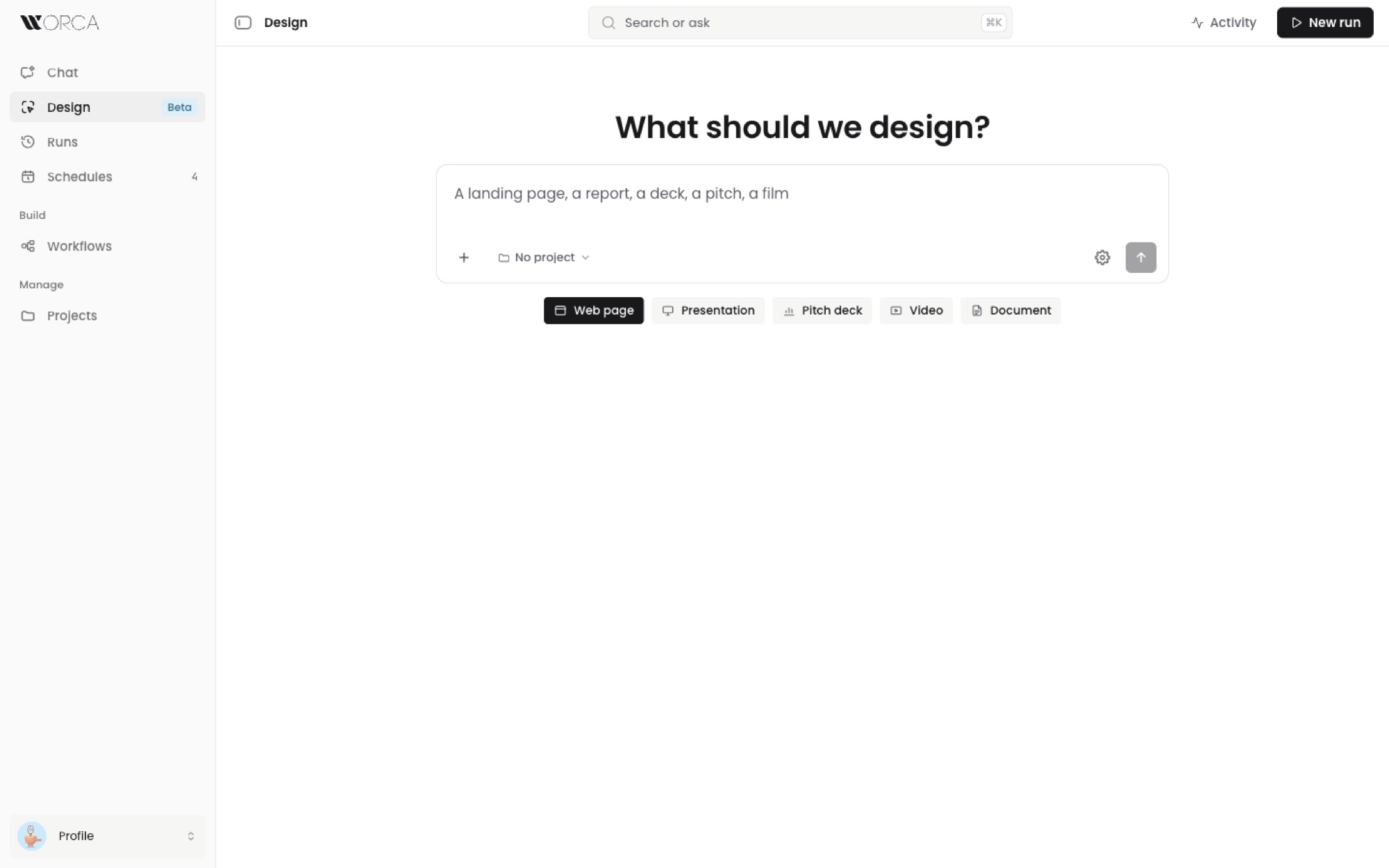
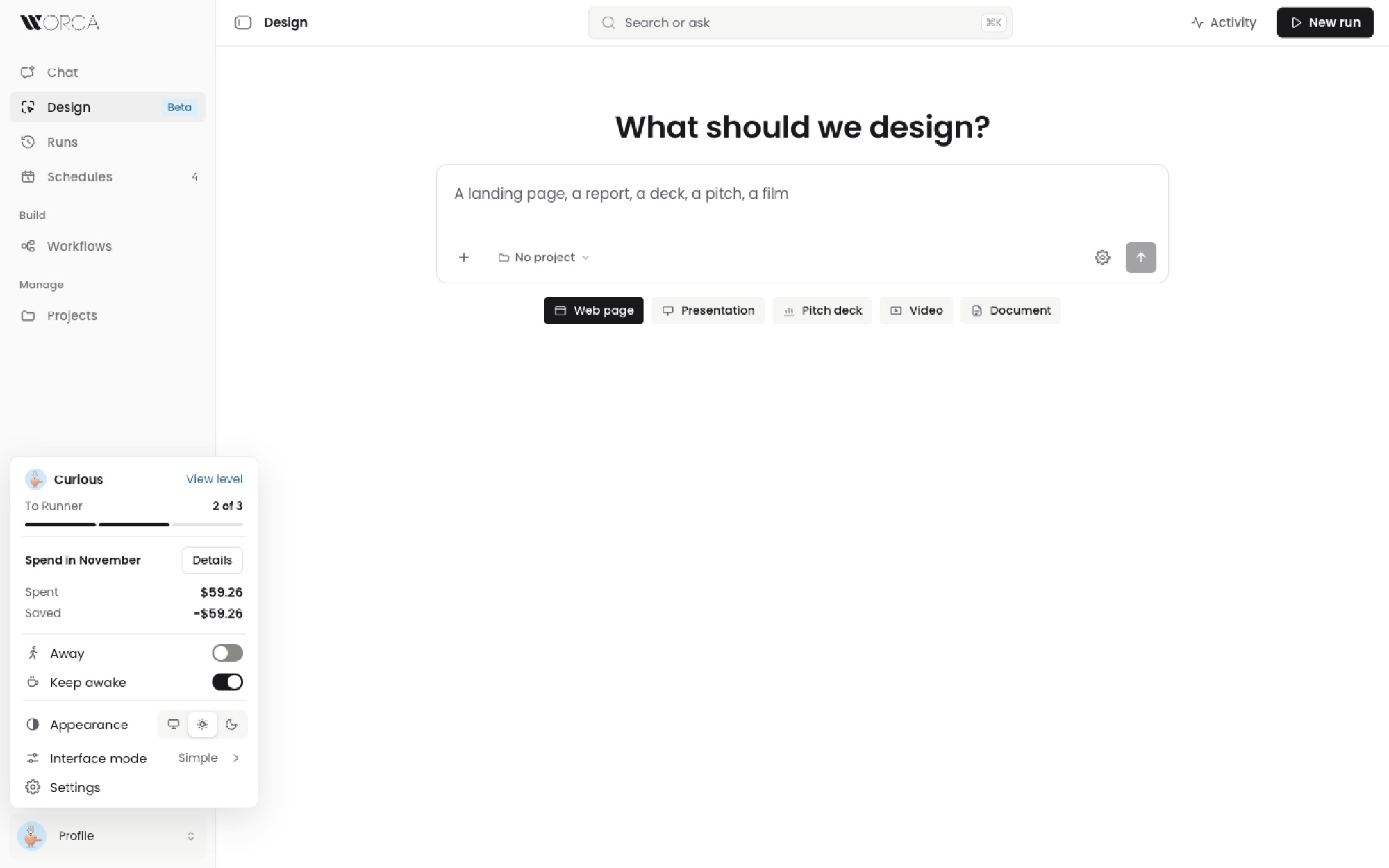
Design pages, decks and videos with agents.
Need a landing page or a pitch deck, not code?
Now open Design and describe it. A lead agent plans the sections. Then one agent builds each section, and you watch them work side by side.
Lead agent · plan: 5 sections
Each agent shows its own cost. Ask for a change, and only that section is rebuilt.
Design is in beta and on by default. Turn it off in Settings › Labs.
One run page, no Details screen.
Ever clicked through to Details to see how a run was set up?
Now a run is one page: a header, then tabs. The run card is the Overview tab. A new Task tab shows the prompt and everything the run started with.
Everything the run started with, in one place.
Runs open their own pull requests.
Did the run finish, and you still had to open the PR?
Now set "Create a PR when a run finishes" to Draft or Ready. When a run ends with committed work, Worca opens the PR for you, with a commit message that says what changed.
- 1The run ends with committed work
- 2Worca pushes its branch
- 3The PR opens as a draft
Agree what to build before planning.
Ever approved a plan that solved the wrong problem?
Now Shaper agrees the requirements with you first. It takes three cards, and usually three clicks: pick who leads, agree the requirements, then approve a plan that covers them all.
- 1You lead as Engineering, with QA and Security
- 27 requirements agreed · 1 decision for you
- 3Plan · Requirements 7/7 · approve
Small tasks skip it and run as before.
A gap is marked before you approve, not found in review.
Chat with Worca in Slack, Discord, Telegram, Teams.
Your team already talks in Slack. Why switch windows to ask Worca?
Now mention the Worca bot in an allowed channel. The thread becomes a real Worca chat, with the same history and cost, and a proposed run gets its own Start run button.
Turn on Freeform chat in the chat app's plugin settings.
Found in Cursor
Found in Claude Desktop
Ask Chat to import them. You pick which ones, and secrets stay masked.
See which projects are agent-ready.
Does an agent waste a run hunting for the test command?
Now every project shows whether it is ready for agents. Worca checks only for the engines you use, and the report says what is missing and how to fix it.
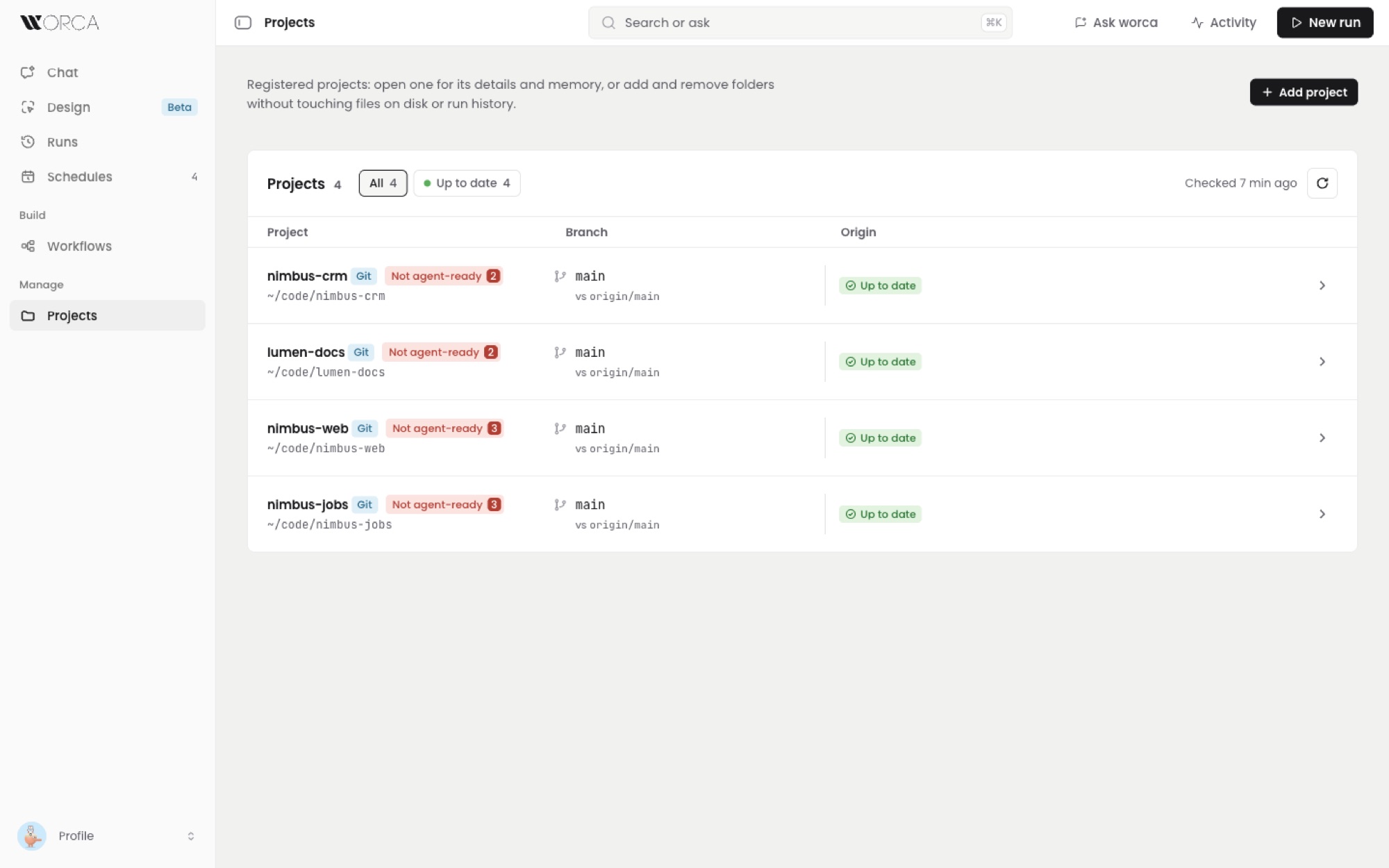
Projects: every row carries its readiness chip.
Earn levels as you orchestrate more.
Not sure what to try next in Worca?
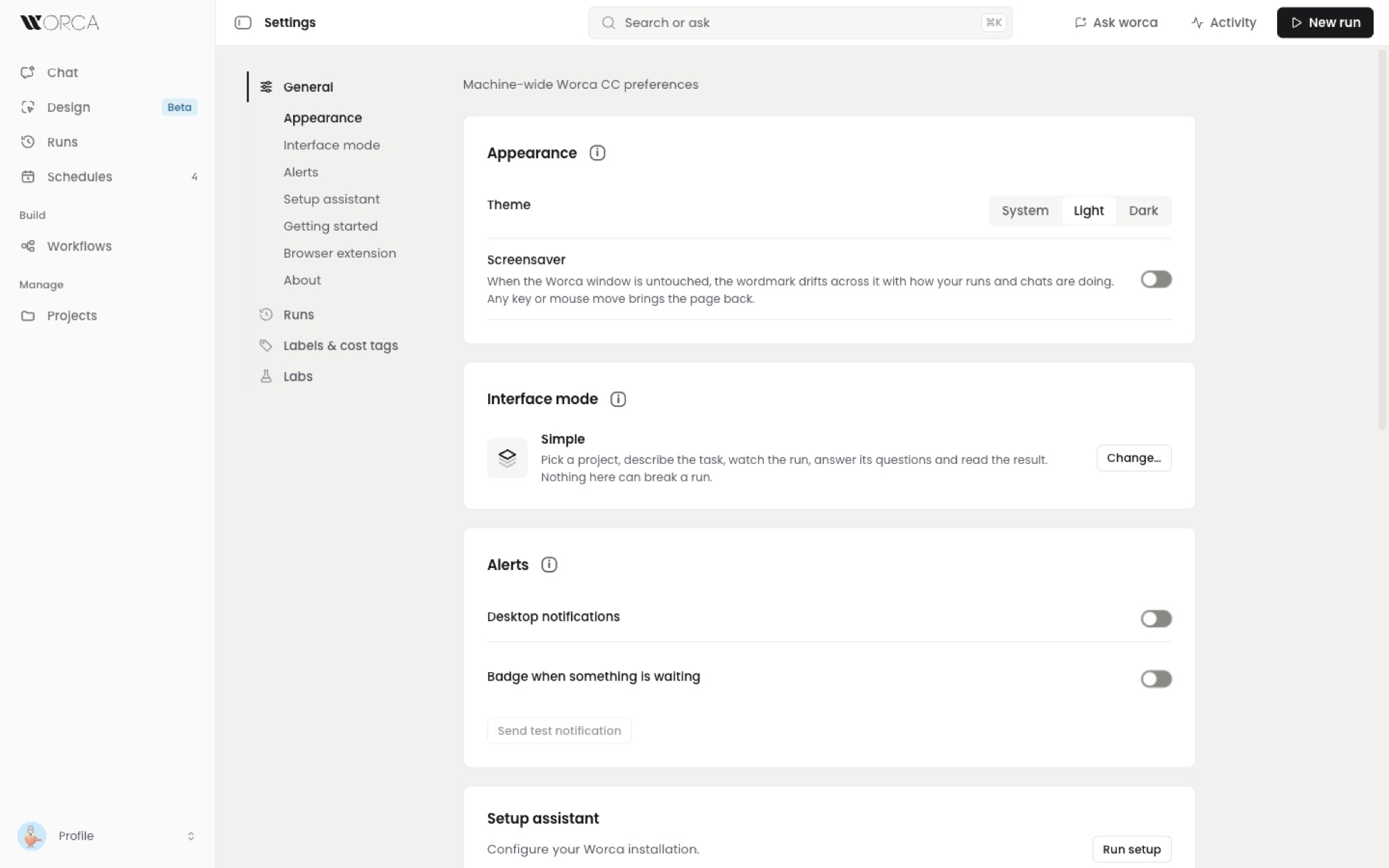
Now you start out Curious and earn five levels as you use more of it. Your avatar gets a new hat and tool at each one. Its card shows the next steps.
For subscription plans. Amber at 80%, red at the limit.
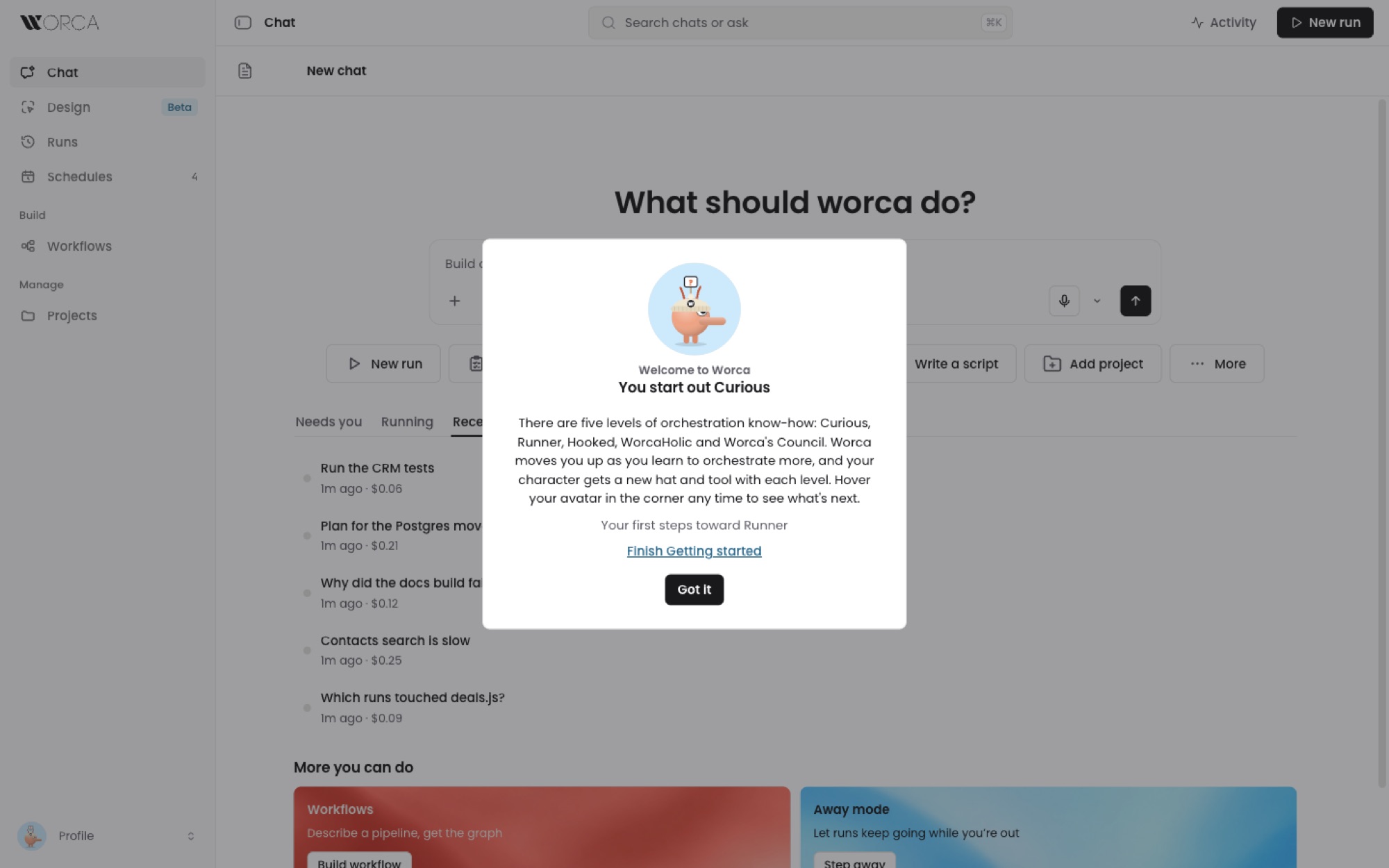
Your first level, and the steps toward the next.
Shipped, tested, verified live.