
Ask about
any PR.
Paste a pull request link into Chat, and Worca finds the run that opened it. Push a finished run from its chat card. Windows terminals run Git Bash, and Copilot works once you sign in.
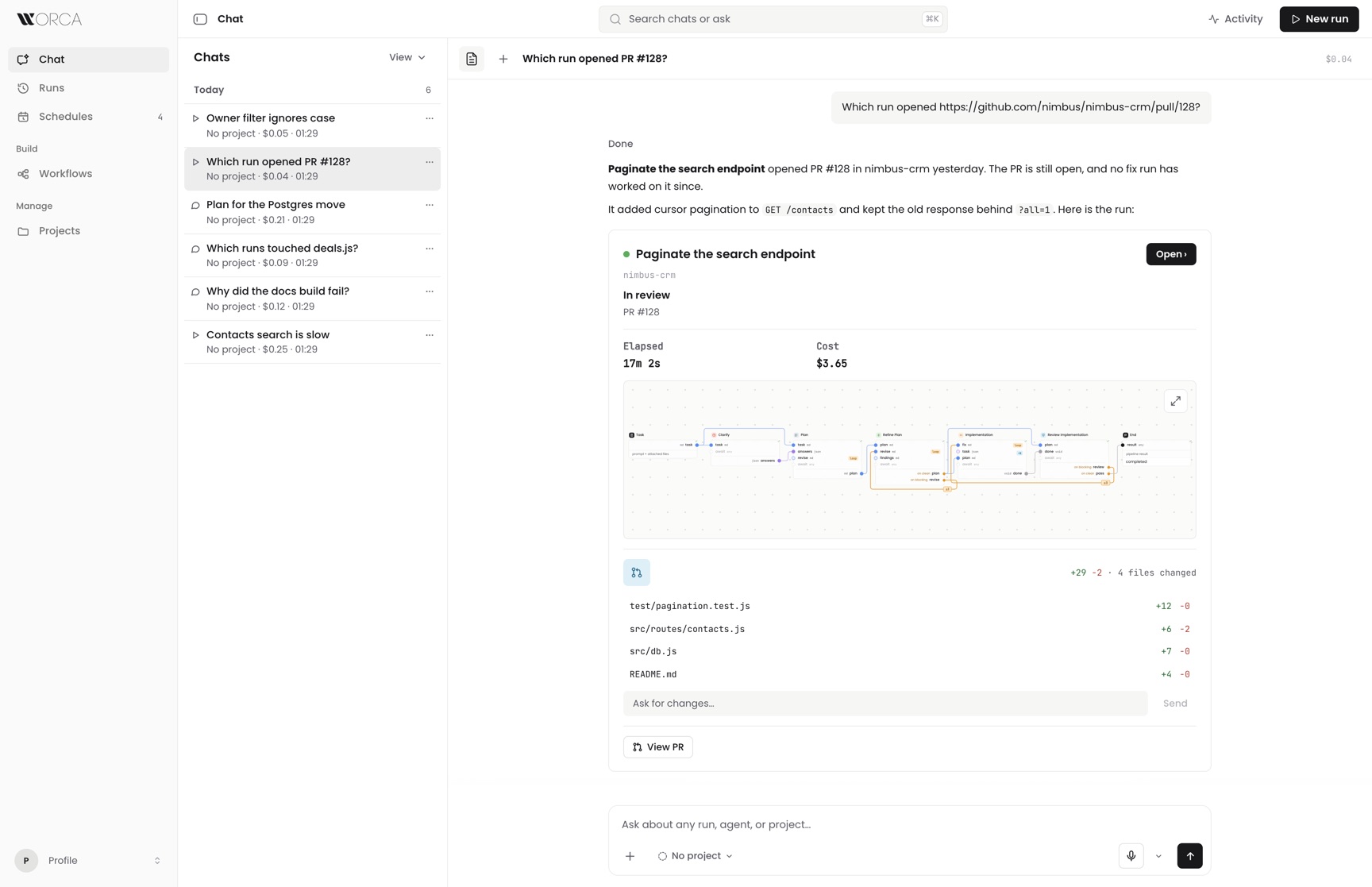
Find the run behind a pull request.
A pull request needs a fix, but which run wrote it?
Now you paste the PR link, or just its number, into Chat. Worca names the run that opened it and shows its card. Runs that only fixed the PR later come after it, marked as fixes.
No run opened it? Chat says so, instead of guessing.
A PR link in, the run that opened it out.
Push a run from its chat card.
A run committed straight onto main, so why did the chat offer a pull request?
Now the chat card follows the run page. Once the run's work is merged back into its branch, the card shows Push. Not merged back yet? The card points you to How to merge. A run on a new branch keeps Create PR.
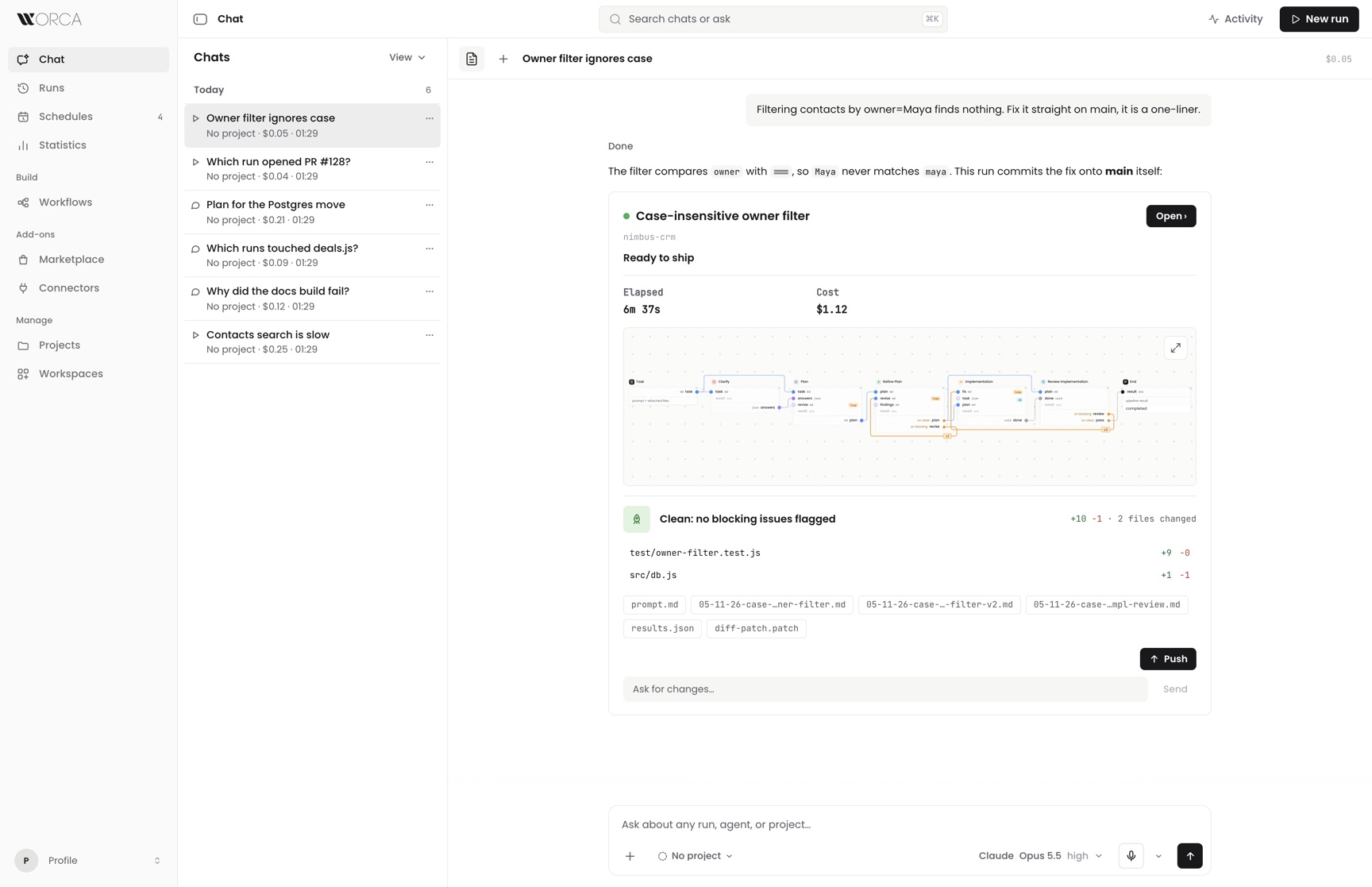
A run on main itself: the card offers Push, not a pull request.
Before → now · not merged back yet? “How to merge” instead
Windows terminals now run Git Bash.
On Windows, did the terminal open cmd.exe, where Chat could not run commands?
Now Worca opens Git Bash from Git for Windows. You get the same command blocks, Stop button and Chat commands as on a Mac or Linux. Worca finds Git Bash by itself, and never picks the bash that belongs to WSL.
The first one found wins. No Git Bash? cmd.exe, and Worca says how to fix it.
- 1You press Stop
- 2The command gets Ctrl+C
- 3Still running after 3 s? Worca ends it
- 4The shell stays open for the next command
Copilot works as soon as you sign in.
Connected Copilot, then had to accept one more notice before it would run?
Now signing in is enough. Setup also asks which model Chat should use, so you choose it in the same place as the rest. Workflows on Copilot can now read the plan and other files that earlier steps wrote.
Leave it empty and nothing changes for you.
Smaller fixes you will notice.
Did pages hang for a moment once a minute, or a run sit on Starting while it worked?
Now pages no longer wait for Worca's git check, and one slow check no longer says git is missing. A run you start shows Running right away. One thing to know: Worca now prints its address as 127.0.0.1, so your browser forgets your view choices once.
Before → now · git installed later is seen on the next check