What's new
in Worca.
Since 1.2.0 — a workflow that picks itself, a guided first hour, agents that remember your repo, team-wide metrics on a git branch, and diffs you can talk about in place.
The workflow picks itself.
Ever wondered which workflow to pick for a task?
Now Worca can pick one for you. Start a run on Auto: Worca reads your task, takes a quick look at the repo, and proposes a workflow that fits. Review the proposal first, or let the run go ahead on its own.
- 1Reads your task and attachmentsprompt · medium
- 2Takes a quick look at the repoweb app · express
- 3Picks the agents that fit10 agents considered
- 4Assembles the workflow5 agents
Accept it, edit it, or let Worca run without asking. The cost and error safeguards stay on either way.
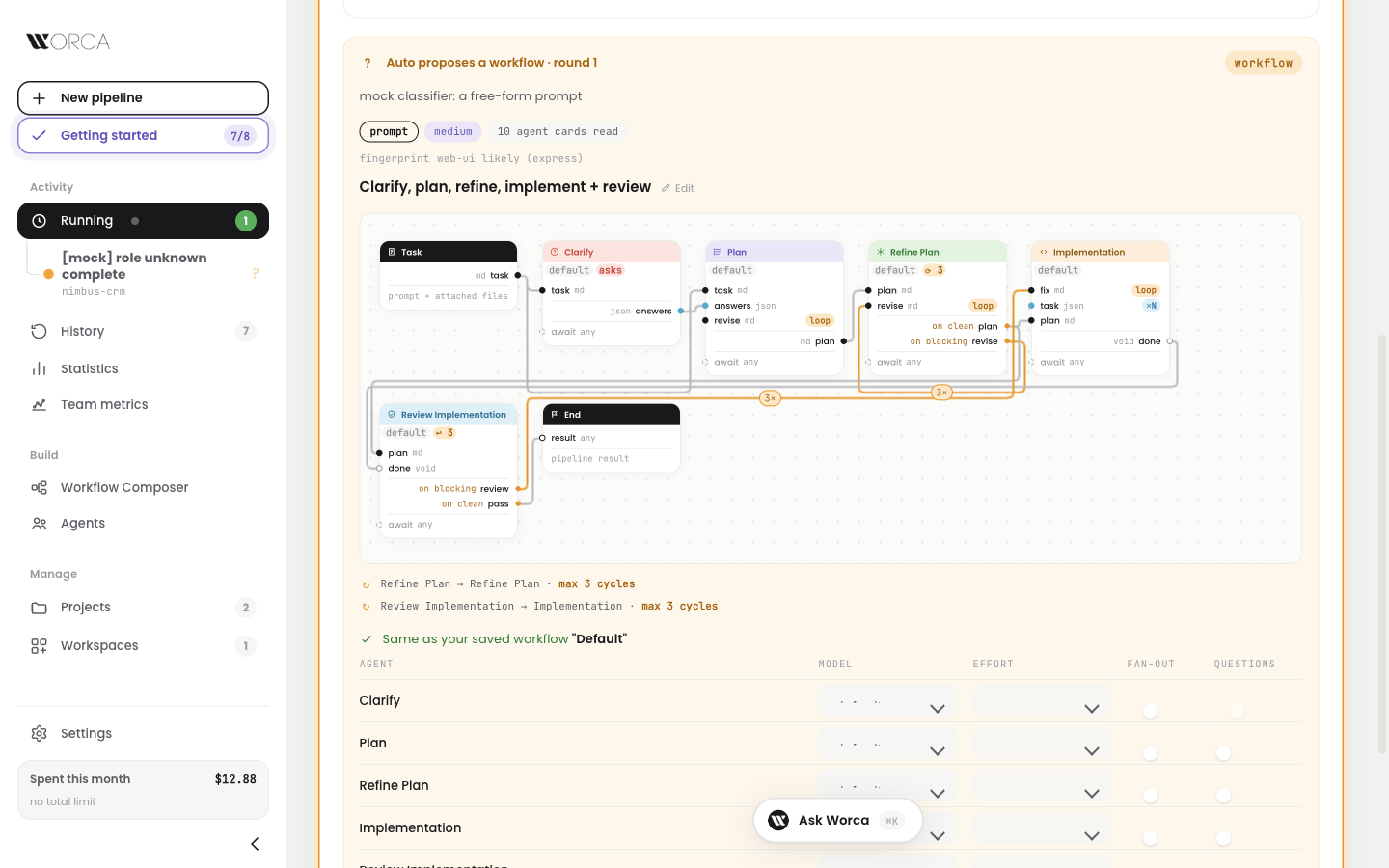
Running — the proposal: what Auto read, what it found in the repo, and the workflow it built, waiting for you.
New to Worca? Follow the checklist.
Just installed Worca and not sure where to start?
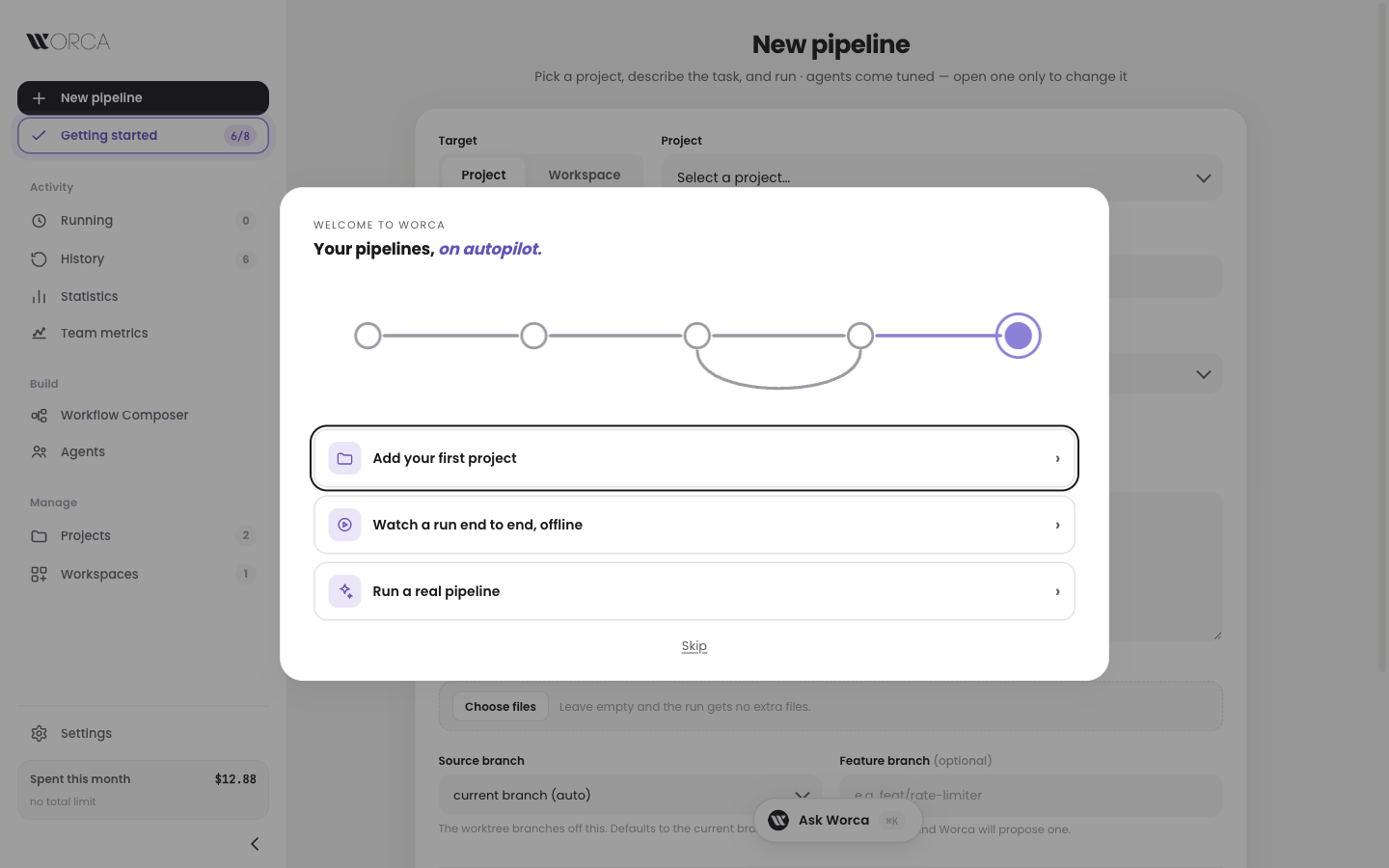
Now a Getting started page lists the first eight things to do, from connecting Claude Code to turning on team metrics. Click a step and Worca highlights the exact button to press, on the real screen, until you have done it.
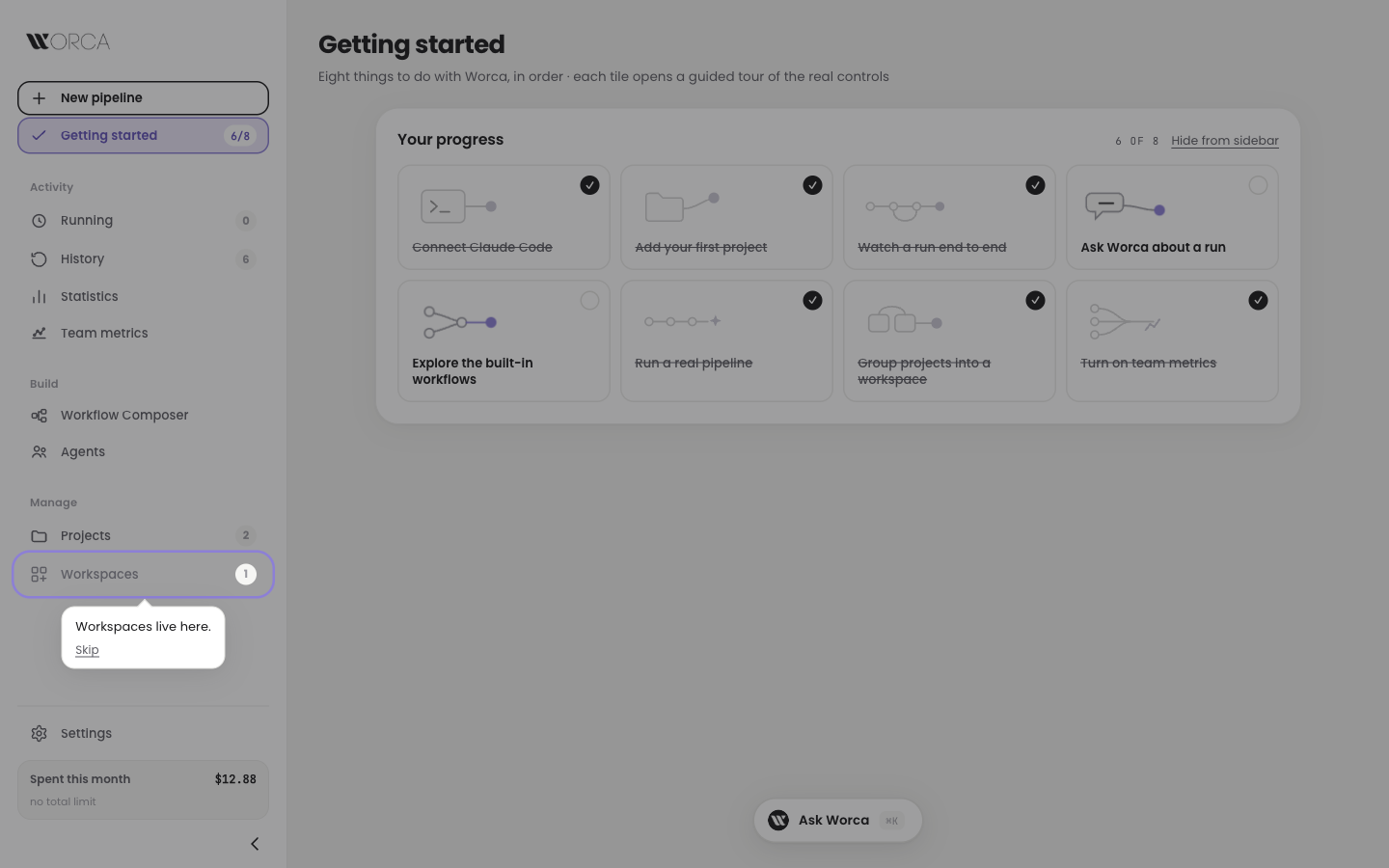
Getting started — 6 of 8 done. The workspace step highlights Workspaces in the sidebar and waits for your click.
Already on the right screen? Worca skips that part. Press Esc or Skip to leave a guide at any time.
Agents that remember the repo.
Tired of agents relearning your repo on every run?
Now Worca keeps a memory: short Markdown notes, per project and global, that every agent reads before it starts and can add to when it learns something. You read and edit the notes on the new project page, and a built-in workflow tidies them up.
Memory never ends up in your branch: the run keeps it out of git and out of every commit it makes.
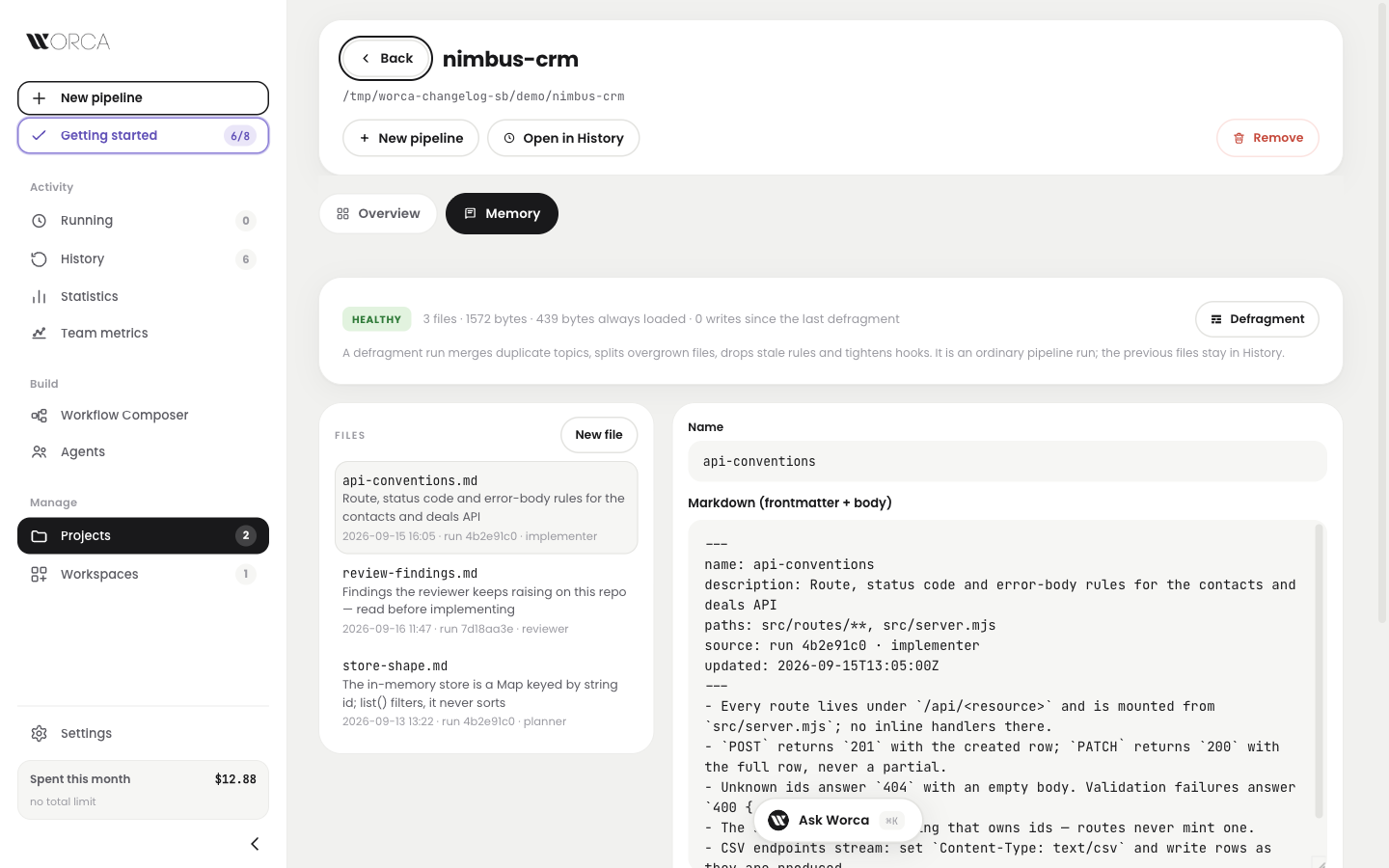
The project page, Memory tab — health at a glance, every file with the run that wrote it, and the editor.
Team metrics & spend dashboard.
Want to know what your whole team spends on runs, not just your own machine?
Now every finished run is recorded to a small worca-metrics branch in the project's own git remote, and a new Team metrics page adds it all up: spend, runs, duration, autonomy and review cycles, per project or per workspace. No extra server, and Ask Worca can answer questions about it.
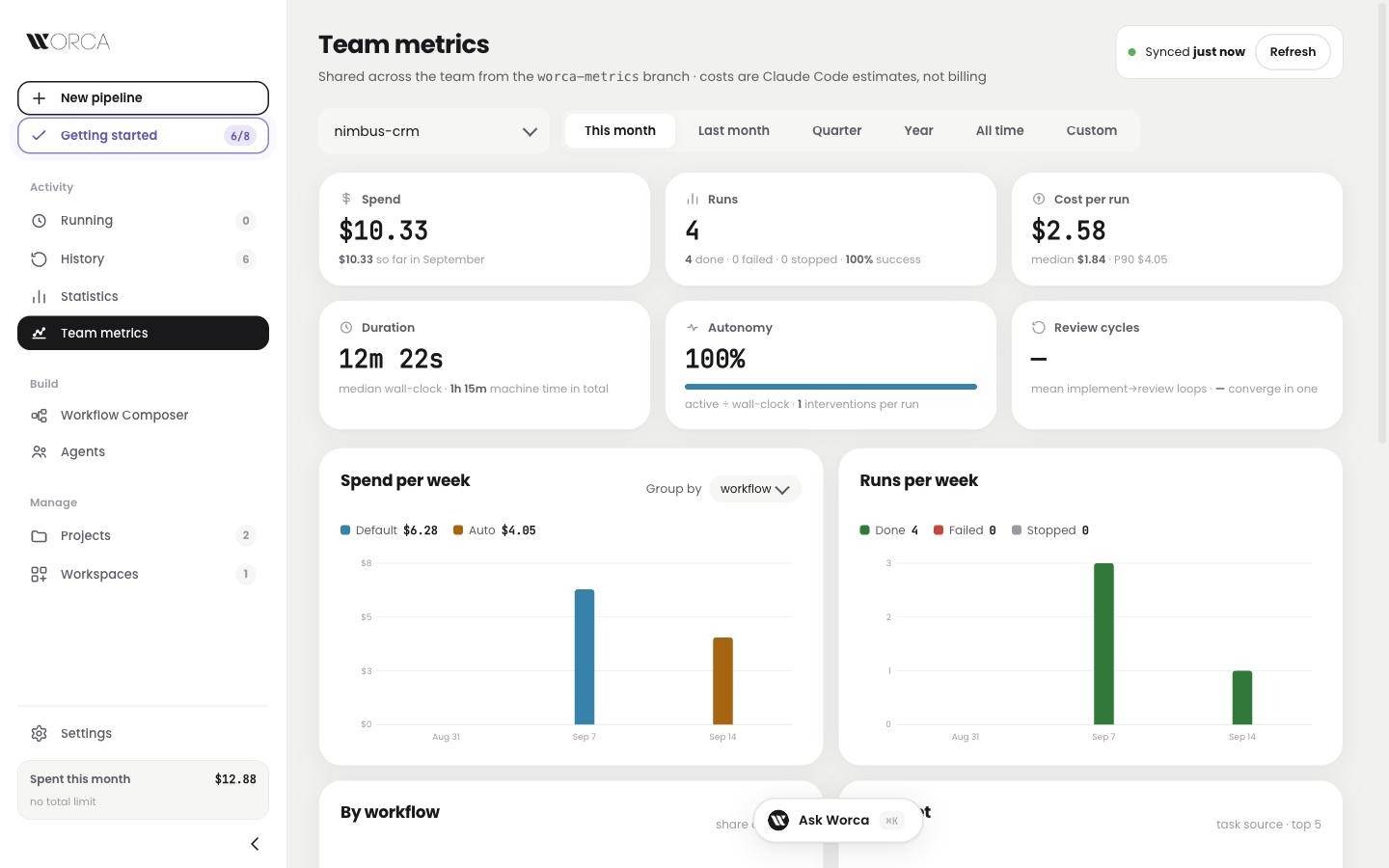
Team metrics — one project, this month: six numbers and the weekly charts, read straight from the git branch.
- 1A run finishesdone · failed · stopped
- 2Worca writes one small record6a970cef.jsonl
- 3Pushes it to the metrics branchorigin/worca-metrics
- 4Teammates fetch itSynced just now
Turn it on once per project from the Projects page. A workspace records through one of its projects.
Every step leaves a paper trail.
Ever wanted to see exactly what the planner or the reviewer wrote in a given cycle?
Now every file a run produces is filed under the step that produced it. An Artifacts tab on the run lists the plans, reviews, patch and results with a viewer for each, and Ask Worca can read the same files while a run is still going.
Ask “what did the reviewer flag in cycle 2?” and Worca reads the review file, not the log.
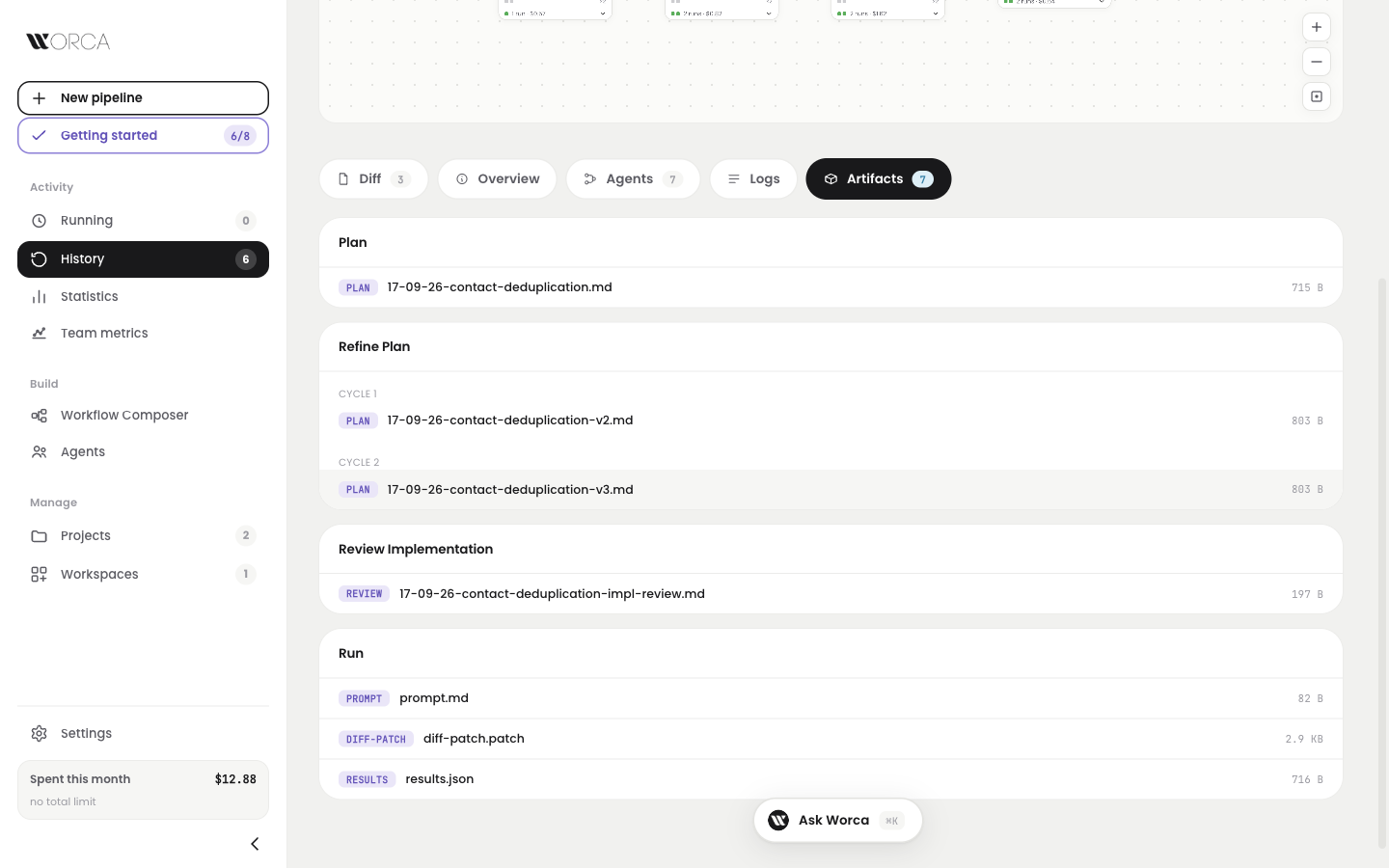
History — the Artifacts tab: seven files grouped by the step that wrote them, cycle by cycle.
Talk about the diff, on the diff.
Left a comment on a diff and lost the answer somewhere in the chat?
Now a comment is a thread. Reply to it right in the Diff tab, or ask Worca and its answer lands under your comment, next to the code. Comments render markdown, with a preview before you post.
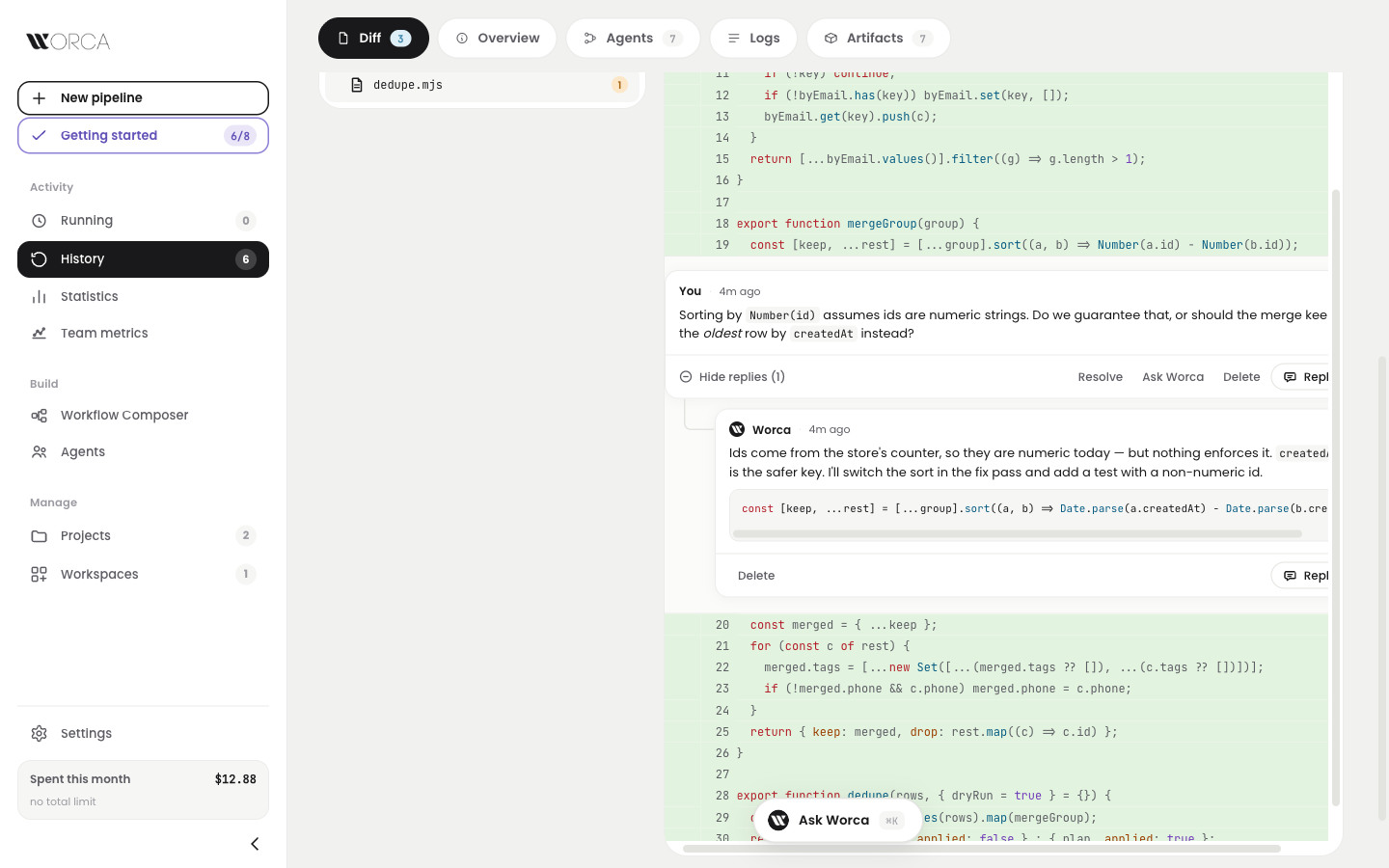
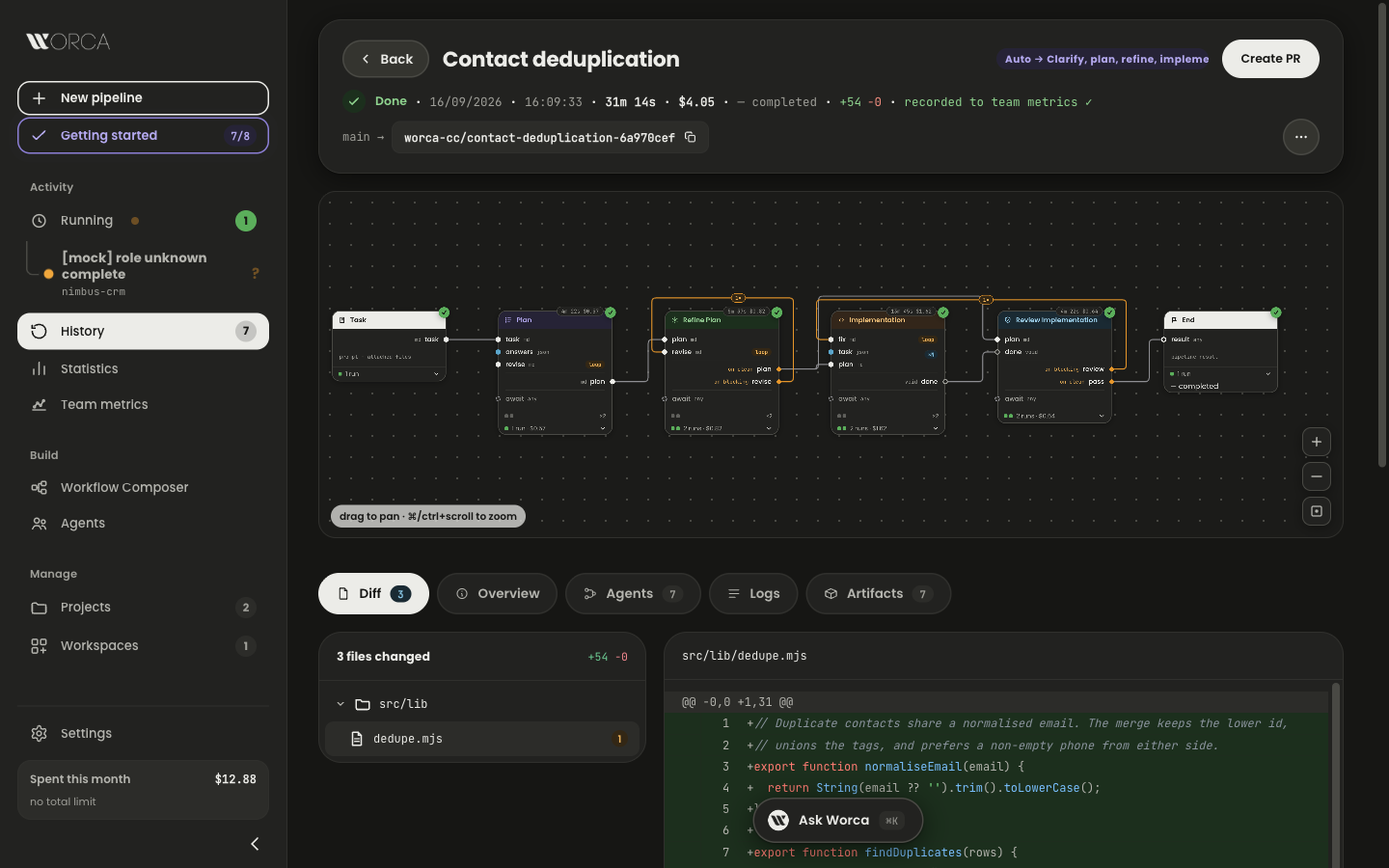
The Diff tab — your question under line 19, Worca's reply beneath it with a code block, both markdown.
Number(id) assumes ids are numeric strings. Should the merge keep the oldest row by createdAt instead?
createdAt is the safer key — switching the sort in the fix pass, with a test.
Resolving a thread resolves the whole conversation. Worca may delete its own reply, never yours.
Smaller things that add up.
A few things that were in the way, fixed.
The run canvases pan and zoom like the composer, the whole UI has a dark theme, shipping from a fork works, and a finished pipeline reports back to the GitHub issue it came from.
Shipped, tested, verified live.