
Issues in.
Runs out.
Worca now picks up new issues and pull requests on its own. It is safer by default. Search finds any setting. Each chat shows what it did. Every copy button works the same way.
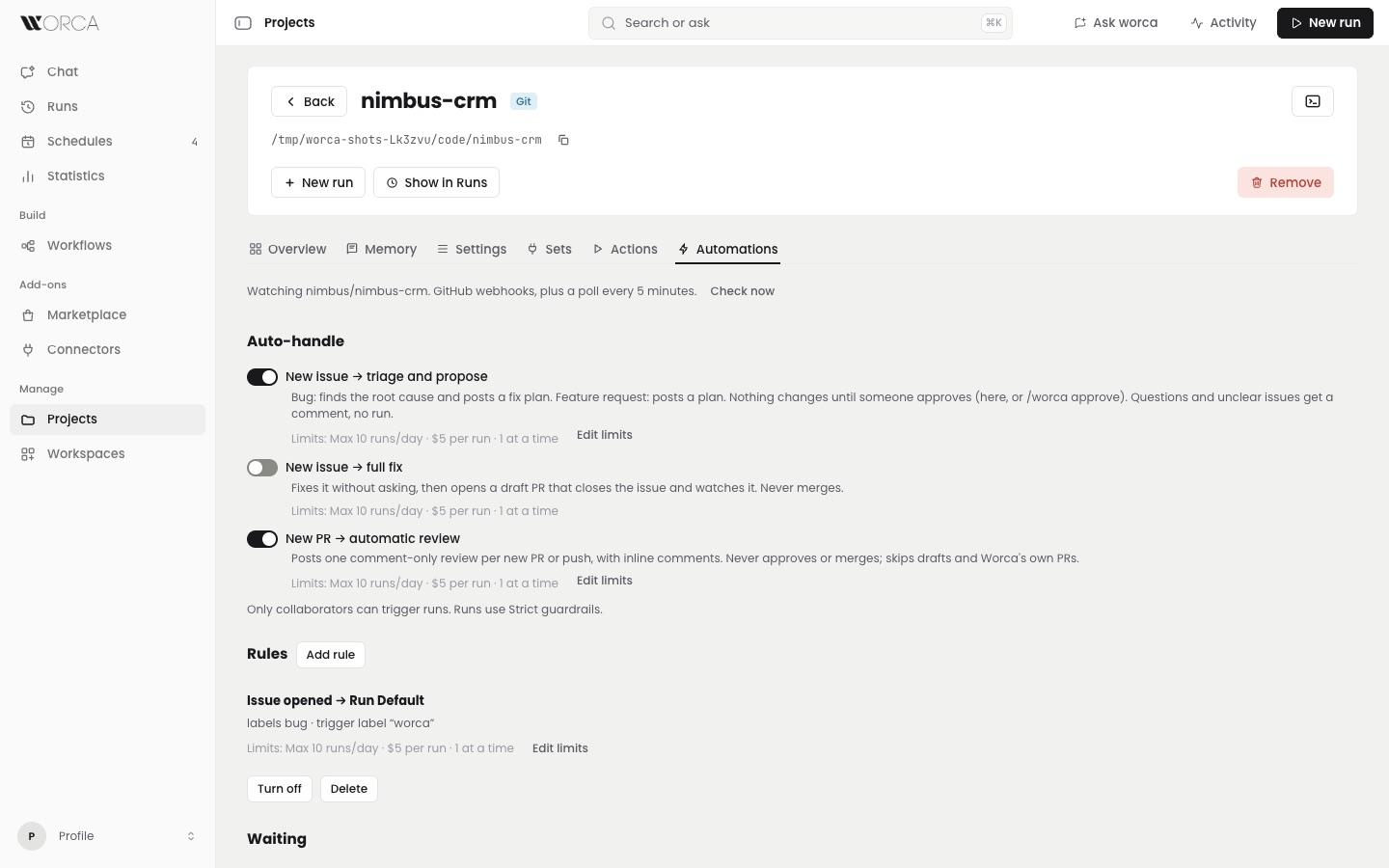
Worca picks up new issues.
A bug report sat in GitHub until someone had time to start a run?
Now Worca watches your repository. A new issue gets a fix plan. You approve it, and Worca opens a draft PR. A new pull request gets a review.
- 1Worca sees the new issue
- 2Triages it as a bug and finds the cause
- 3Posts a fix plan on the issue
- 4You approve: it fixes and opens a draft PR
Questions get a comment, not a run. It never merges.
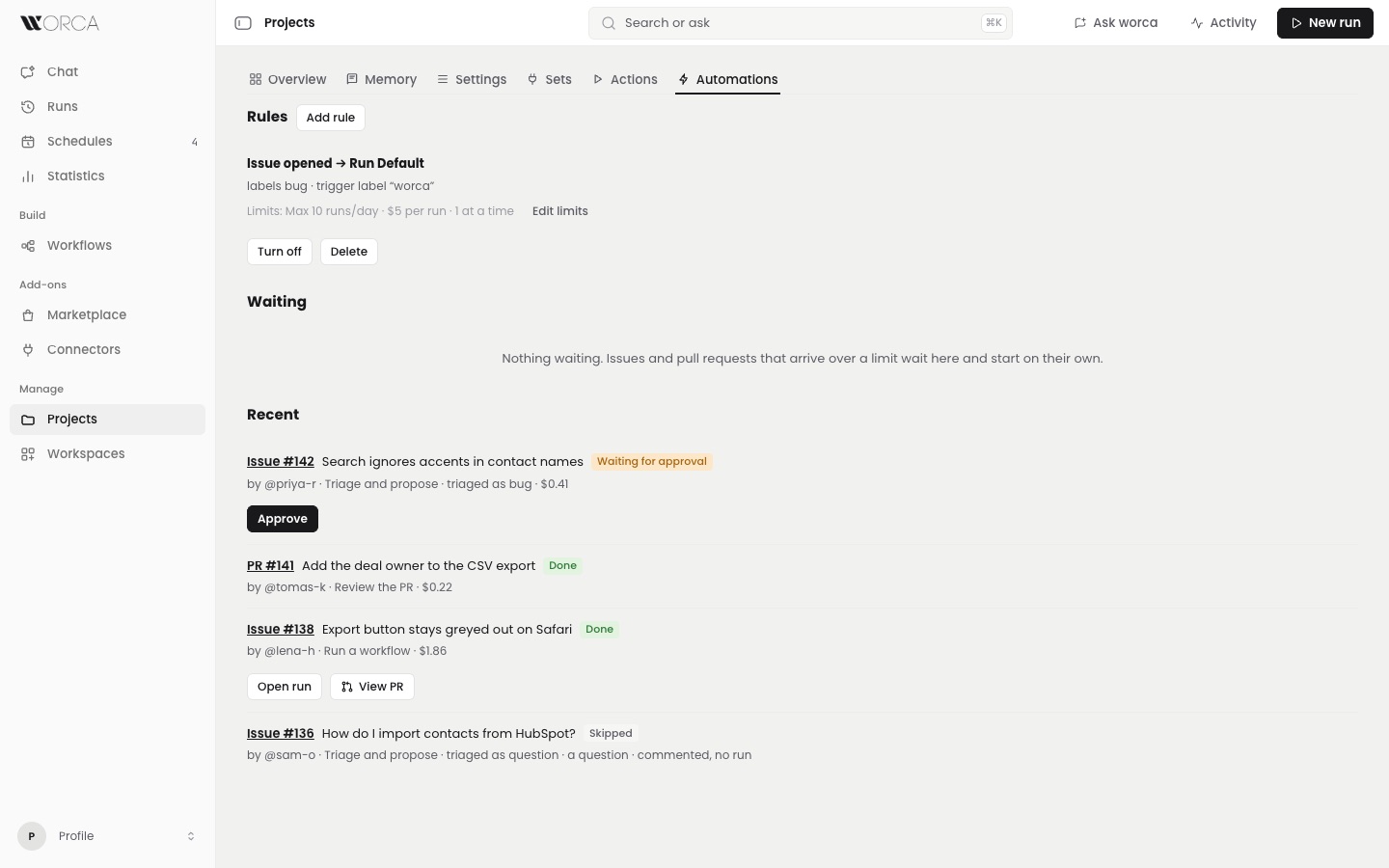
Recent: what each rule did, with Approve, Open run and View PR.
Safer by default, everywhere.
Could an agent, a plugin or someone on your network reach more than you meant?
Now Worca is harder to trick. Its git commands ignore hooks an agent plants. The server checks who is calling. Plugins install the exact version you saw. New installs start runs on Normal guardrails.
New installs start safer · pick another set per run
Search finds any setting.
Knew the setting existed, but not which tab it was on?
Now the search box finds it. It finds settings, Settings tabs and Add-ons pages. Pick one and Worca opens it. The setting lights up. If it needs another mode, Worca says so.
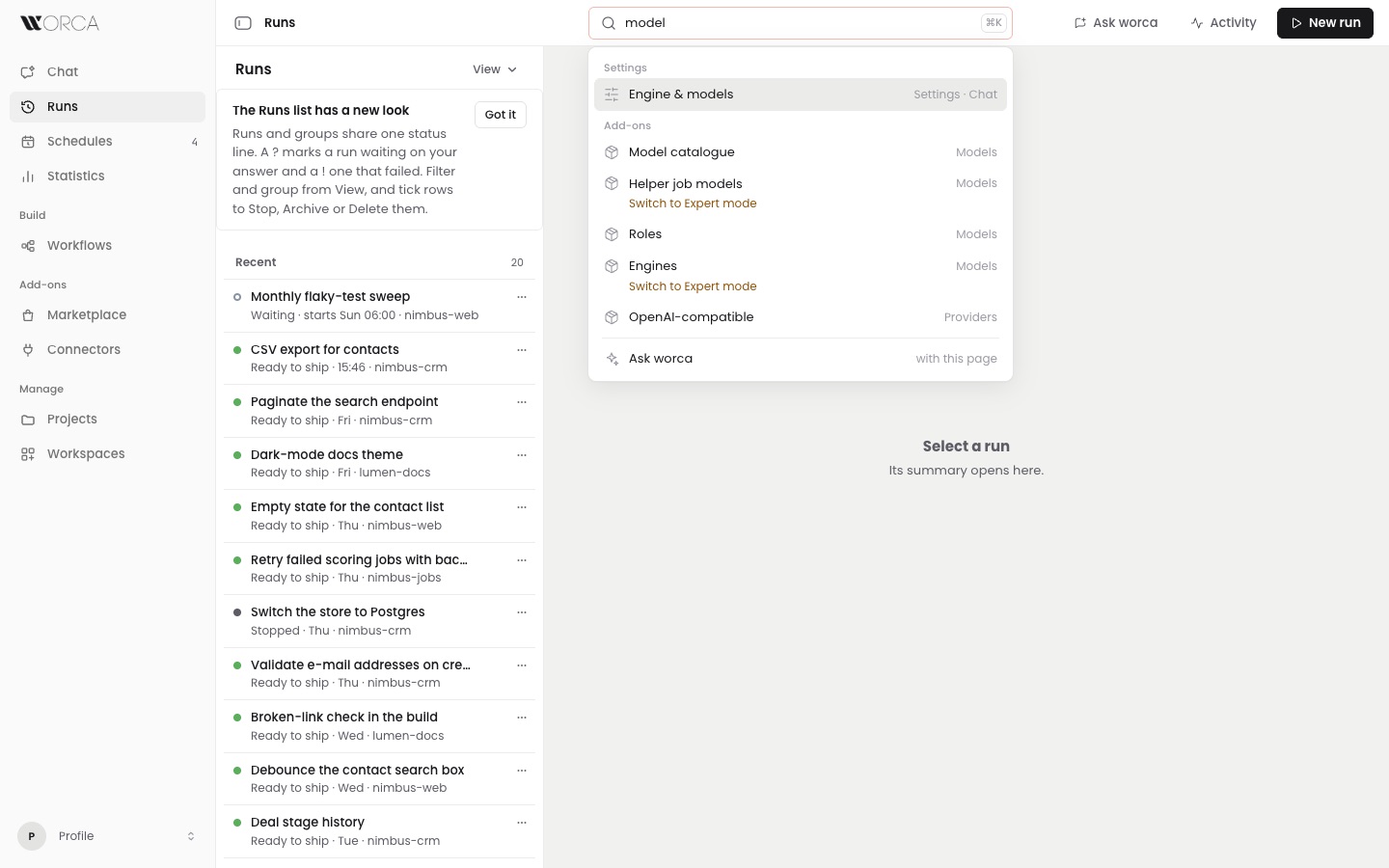
Searching “model”: settings and Add-ons pages, grouped.
Settings
Add-ons
A locked result says what unlocks it, then opens it.
See what each chat did.
A list of chats that all looked the same?
Now each chat shows one icon for what it did. A run may need you. The chat may have started a run, followed one or proposed a workflow. The most important icon wins.
The first match from the top wins.
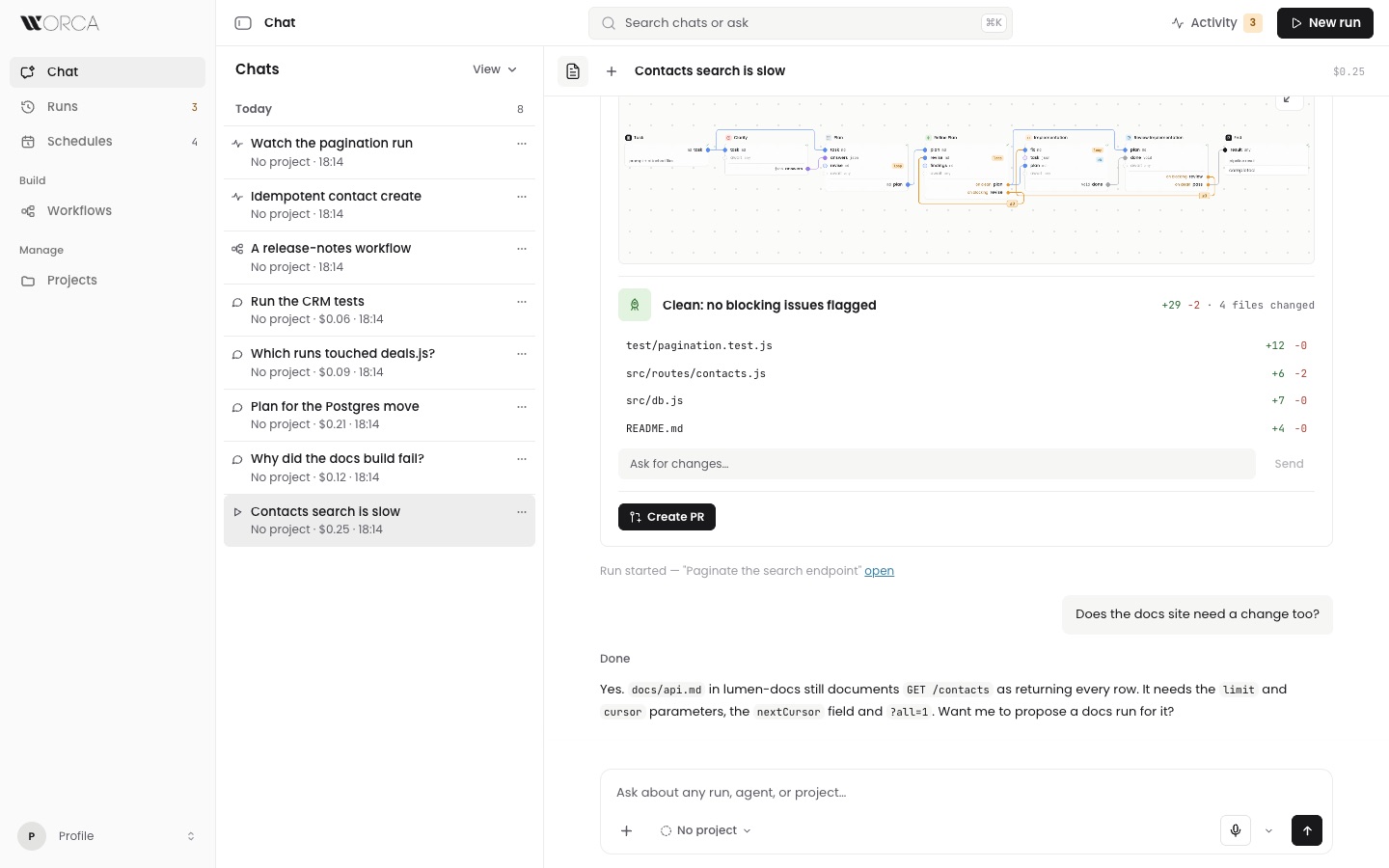
The Chats list: one icon per chat, by what it did.
One copy button, everywhere.
Some copy buttons said “Copied”, some changed an icon, some did nothing?
Now they all work the same. Click one and a green tick shows it worked. If it fails, a red × says why. Runs started from a feature also get clean branch and PR names.
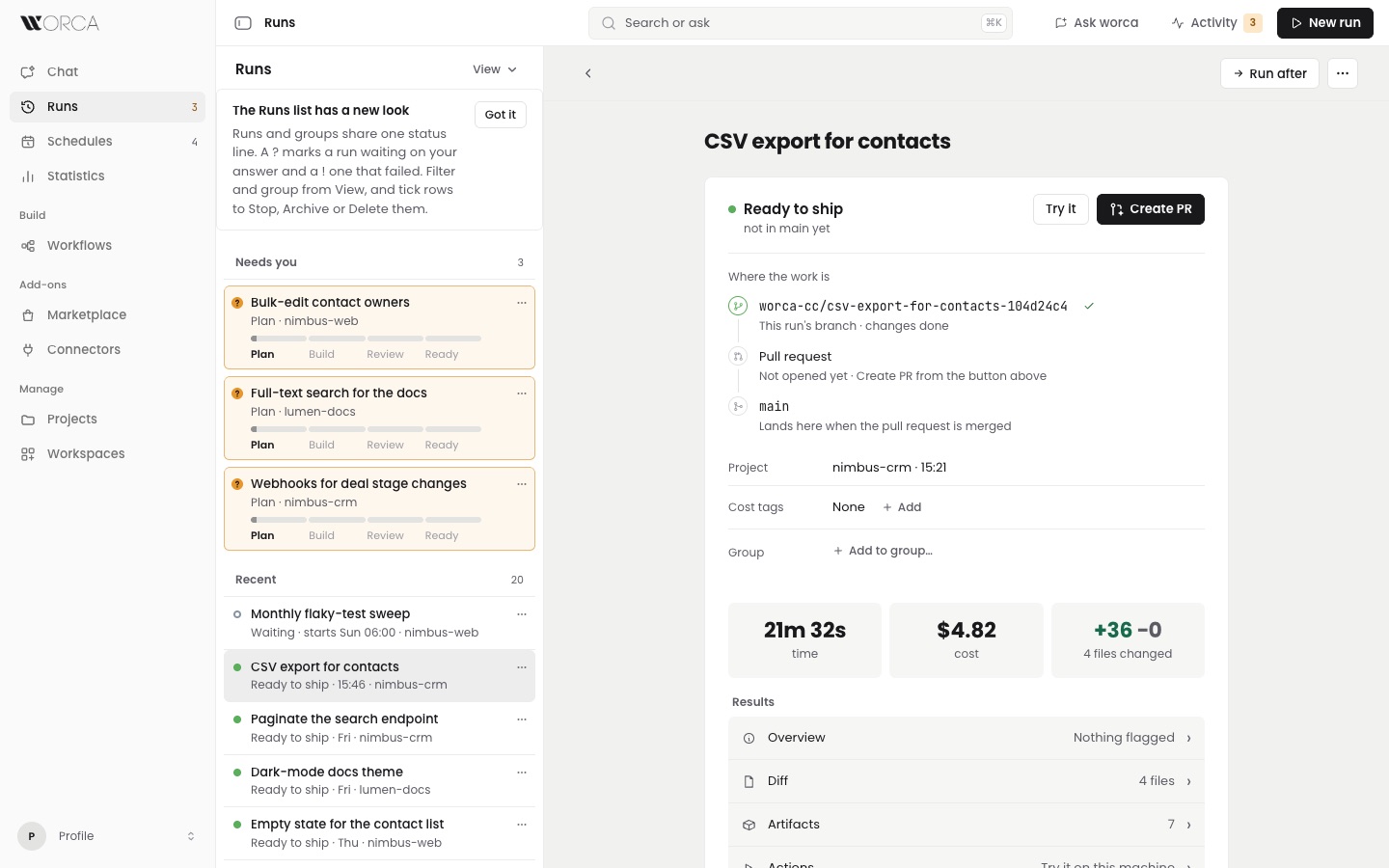
A run's branch name, just copied.
Logs, run heads, paths, device codes and chat commands, one look.